How to Program Your Garage Door Remote: A Complete Guide for Azusa Residents

How to Program Your Garage Door Remote: A Complete Guide for Azusa Residents
Programming your garage door remote may seem daunting, but with a little guidance, it can be a quick and easy task. Whether you’re in Azusa, CA, or just looking to enhance your garage's security, this guide will help you understand the steps involved in programming your garage door remote. Knowing how to do this not only saves you time but also ensures you have seamless access to your home.
Understanding Your Garage Door System
Before diving into the programming process, it's essential to understand the components of your garage door system. Most systems consist of:
- Garage Door Opener: The motorized device that powers your garage door.
- Remote Control: The handheld device that sends the signal to open or close the door.
- Safety Sensors: These ensure the door doesn’t close on objects, people, or pets.
- Keypad Entry: An optional feature that allows you to enter a code to access the garage.
Why You Might Need to Reprogram Your Remote
There are several reasons you might need to reprogram your garage door remote:
- New Remote: If you've purchased a new remote.
- Change of Security Codes: It's wise to change codes for enhanced security.
- Remote Malfunction: If your remote isn’t working correctly.
- Battery Replacement: Some remotes require reprogramming after a battery change.
Steps to Program Your Garage Door Remote in Azusa
Programming your garage door remote can differ based on the brand of your garage door opener. Below is a general guide that applies to most systems:
1. Gather Your Materials
- Your garage door remote.
- Your garage door opener unit.
- Step ladder (if needed).
- User manual (if available).
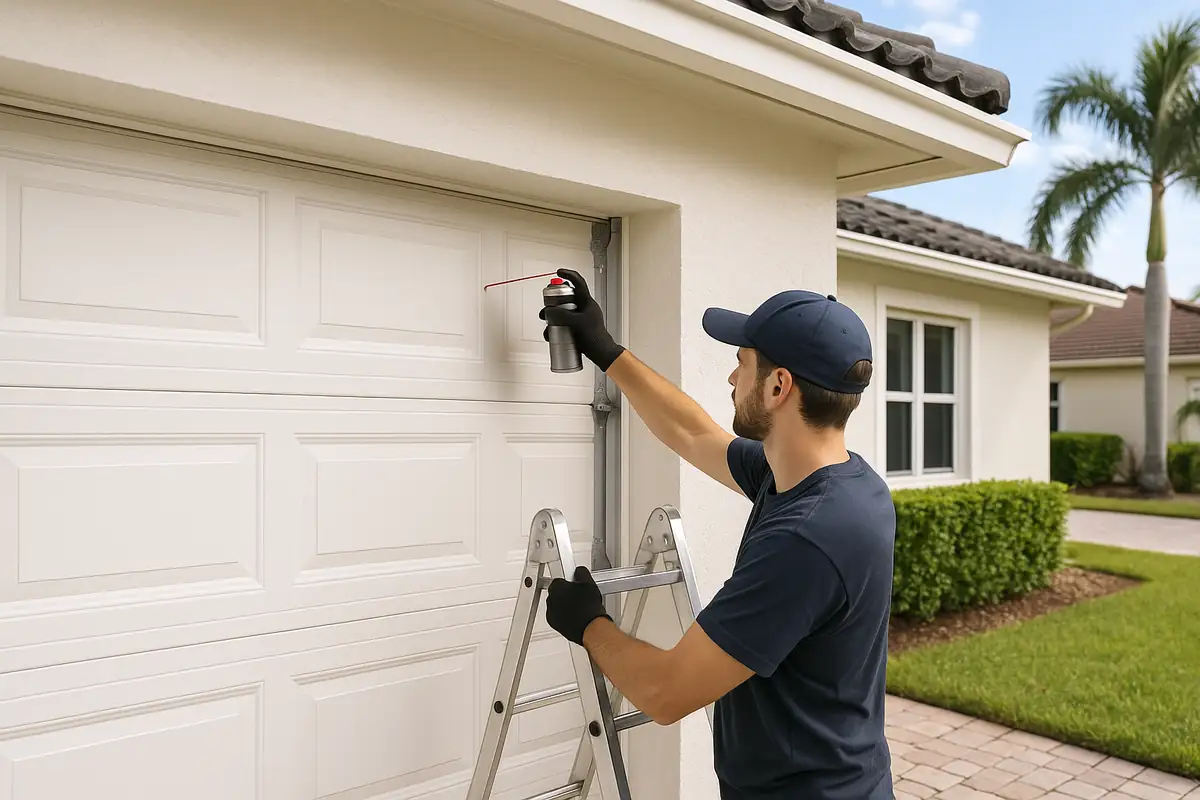
2. Locate the Learn Button
The Learn button is usually found on the back or side of the garage door opener unit. You may need to remove a cover or use a step ladder to access it. Here’s how to find it:
- Unplug the garage door opener for safety.
- Look for a square or circular button that may be colored red, purple, or yellow, depending on the model.
- Keep your user manual handy for specific instructions related to your model.
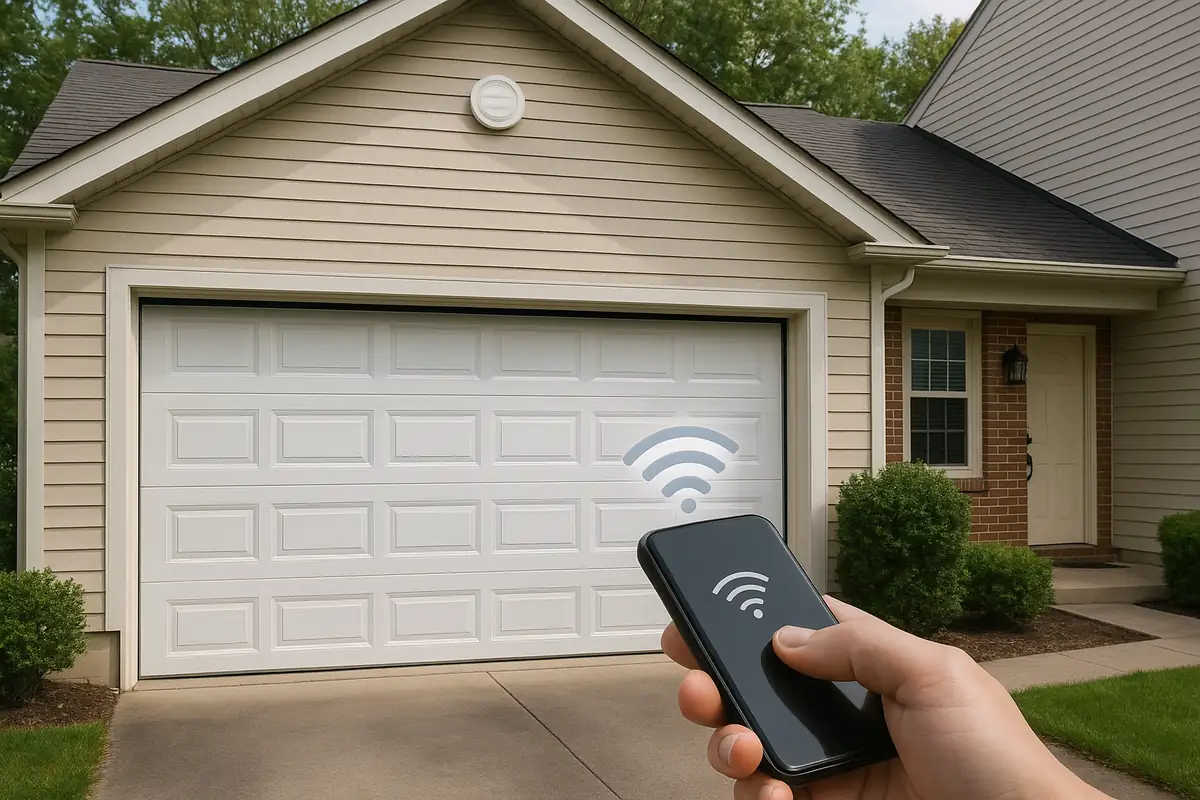
3. Program the Remote
- Press and release the Learn button; you should see a light on the opener blink.
- Within 30 seconds, press and hold the button on your garage door remote that you want to program.
- Wait for the light on the garage opener to blink again, indicating that the remote has been successfully programmed.
- Test the remote by pressing the button to open or close the garage door.
Common Issues and Troubleshooting
Even after following these steps, you might face some challenges. Here are common issues and their solutions:
- Remote Not Working: Ensure the batteries are new and installed correctly.
- Opener Light Does Not Blink: Check that you pressed the Learn button correctly.
- Remote Interference: Other electronic devices might interfere; try reprogramming in a different location.
Maintaining Your Garage Door Remote
Proper maintenance of your garage door remote can extend its lifespan and functionality. Here are some tips:
- Replace batteries annually to avoid operational issues.
- Keep the remote clean and free from dirt and debris.
- Store the remote in a safe place, away from extreme temperatures.
According to industry statistics, over 70% of homes in the U.S. utilize garage door openers, and proper maintenance can prevent 90% of common issues!
When to Call a Professional
If you’ve tried the above steps and still encounter issues, it may be time to call in a professional. At Azusa Garage Door Repair, we provide expert assistance for all your garage door needs. Here are signs it’s time to contact us:
- Frequent remote failures.
- Physical damage to the opener or remote.
- Unusual noises when attempting to open or close the garage door.
Conclusion
Programming your garage door remote can enhance your home’s convenience and security. By following the steps outlined in this guide, Azusa residents will be well-prepared to tackle this task themselves. However, if you face persistent challenges, don’t hesitate to reach out to Azusa Garage Door Repair for professional support. Keeping your garage door system functioning optimally is our priority!
Have questions or need assistance? Contact us today for reliable garage door repair services in Azusa, CA!
Explore More Resources
Related Articles
Our Services
Professional garage door repair, spring repair, opener installation and more. View all services →