How to Program Your Garage Door Remote: A Complete Guide for Azusa Residents

Opening Hook: Mastering Your Garage Door Remote
For many homeowners in Azusa, CA, the garage door remote is an essential tool that adds convenience and security to daily life. However, programming your remote can sometimes feel challenging. Whether you’re moving into a new home, replacing an old remote, or simply need to reprogram, this guide will walk you through the process step-by-step. Let’s dive into how you can easily program your garage door remote!
Understanding Your Garage Door Remote
Before jumping into the programming process, it's essential to understand the components involved. Garage door remotes come in various types, including:
- Single-channel remotes: Control one garage door.
- Multi-channel remotes: Can operate multiple garage doors or gates.
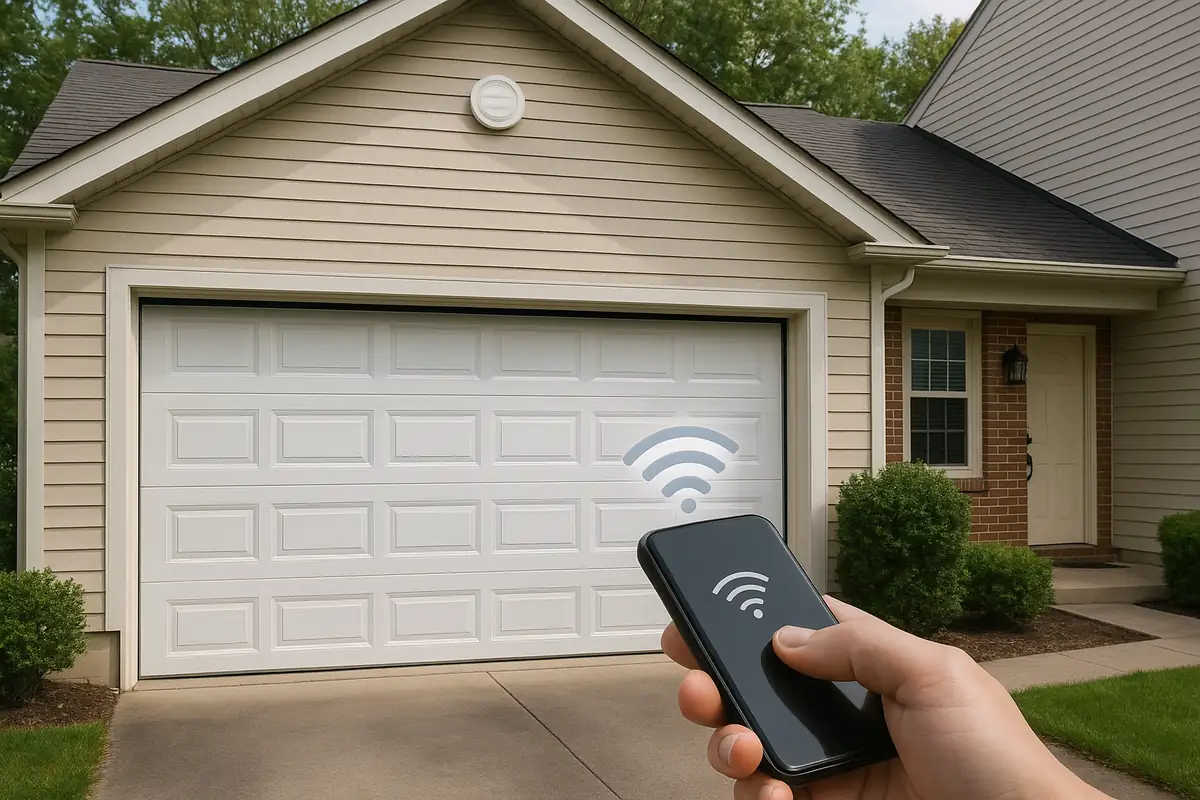
- Smart remotes: Connect to your smartphone via Wi-Fi or Bluetooth for remote access.
Common Features of Garage Door Remotes
Most garage door remotes have similar features, making them easy to operate:
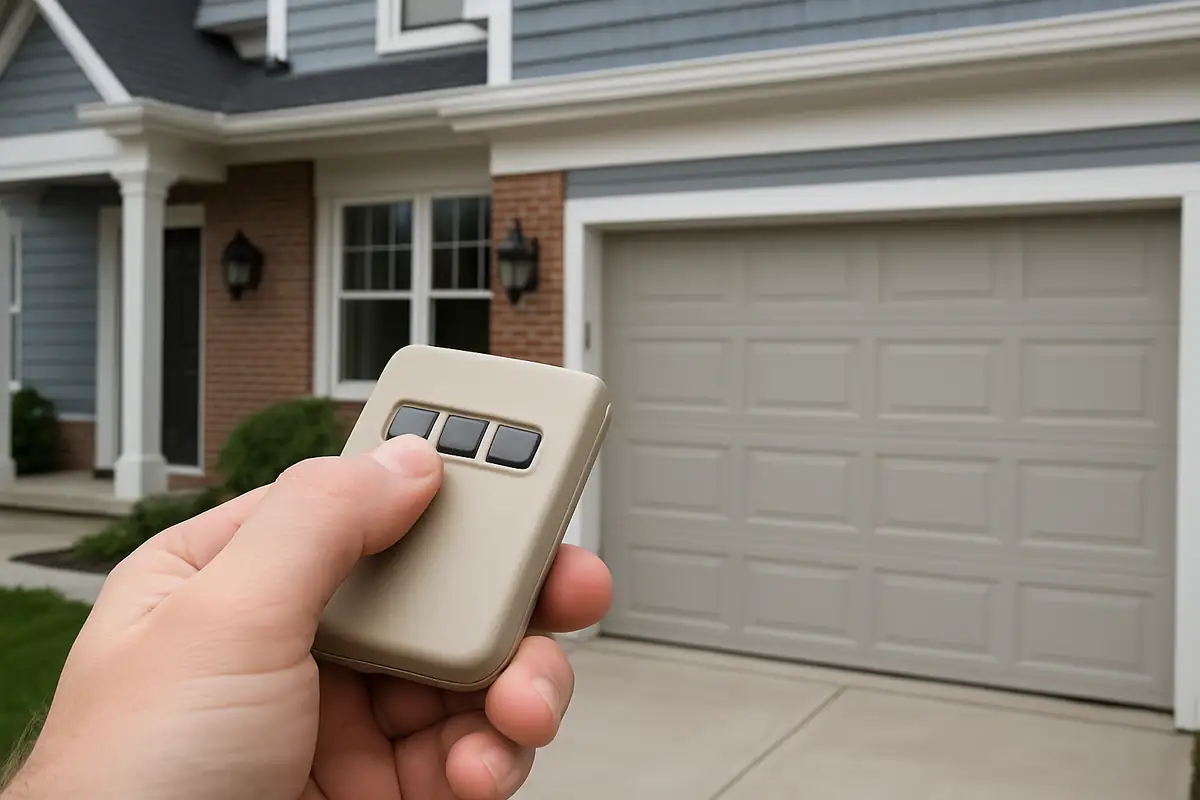
- Open/Close button: The main button for opening and closing the garage door.
- LED indicators: Show battery status and programming mode.
- Emergency button: Typically allows for manual operation in case of electronic failure.
Step-by-Step Guide to Programming Your Garage Door Remote
It’s time to get your hands dirty! Follow these steps to program your new garage door remote:
Step 1: Locate the Learn Button
Most garage door openers have a 'Learn' button located on the back or side of the motor unit. This button is essential for programming:
- Open the garage door.
- Find the motor unit, typically mounted on the ceiling above your garage door.
- Look for a button labeled 'Learn' or 'Program'; this is often a small, colored button.
Step 2: Prepare the Remote
Make sure to have your remote ready. Ensure it has fresh batteries and is within range of the garage door opener.
Step 3: Enter Programming Mode
Press the 'Learn' button on your garage door opener. You will typically see a light indicator turn on, confirming that the unit is in programming mode. You usually have around 30 seconds to complete the next step.
Step 4: Press the Remote Button
While the programming mode light is on, press and hold the button on your remote that you want to program. After a few seconds, the light on the motor unit may blink or turn off, indicating the remote has been successfully programmed.
Step 5: Test the Remote
Close your garage door, then press the button on your remote to see if it opens or closes the door. If it doesn’t work, repeat the steps above.
Common Issues and Troubleshooting Tips
Sometimes, programming your remote may not go as smoothly as planned. Here are some common issues and troubleshooting tips:
- Remote Not Responding: Ensure the batteries are fresh and correctly installed.
- Interference: Other radio frequencies can interfere with the signal; try moving further away and retrying.
- Old Garage Door Opener: If your opener is older than 10 years, it may not support new remotes; contact Azusa Garage Door Repair for assistance.
Safety Tips for Garage Door Remote Programming
When programming your garage door remote, safety should always be a priority. Here are some essential safety tips:
- Always keep your garage door closed when not in use.
- Ensure children and pets are away from the garage door during programming.
- Regularly check the functionality of your garage door opener and remote.
Industry Statistics You Should Know
The garage door industry continues to evolve, with advancements in technology providing added convenience and safety. Here are some compelling statistics:
- Approximately 70% of homeowners use a remote control to open their garage doors.
- More than 30% of garage door incidents are attributed to malfunctioning or poorly programmed remotes.
- Smart garage door systems are projected to grow by 25% annually as more homeowners embrace automation.
Conclusion: Ready to Program Your Garage Door Remote?
Programming your garage door remote may seem daunting at first, but with this detailed guide, you should be well on your way to mastering it. Whether you’re a new homeowner in Azusa or just looking to enhance your home’s convenience, knowing how to manage your garage door remote is invaluable.
If you encounter any difficulties or would prefer professional assistance, don’t hesitate to contact Azusa Garage Door Repair. Our experienced technicians are here to help you ensure your garage door operates smoothly and safely!
Explore More Resources
Related Articles
Our Services
Professional garage door repair, spring repair, opener installation and more. View all services →