How to Program Your Garage Door Remote: A Guide for Azusa Residents


Introduction
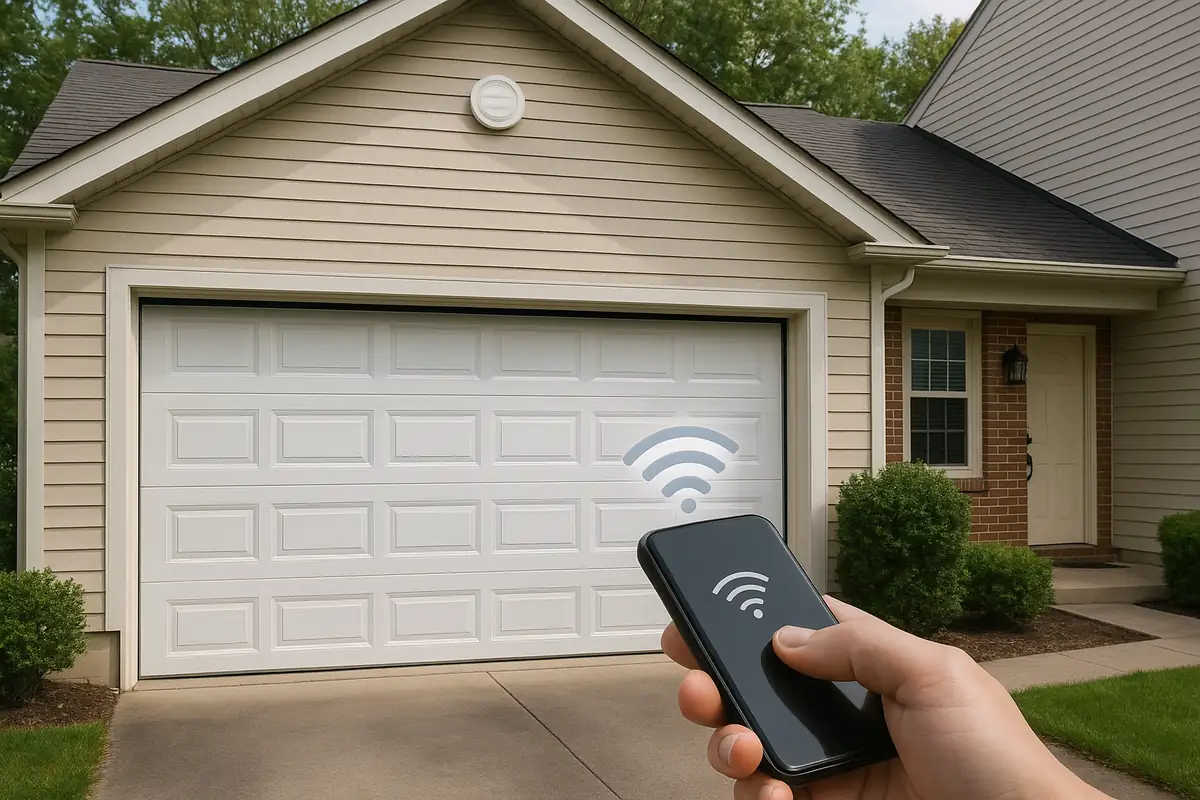
Garage doors are pivotal in providing security and convenience for homeowners in Azusa, CA, but a malfunctioning remote can cause frustration. Don’t worry! Programming your garage door remote is a straightforward task that you can accomplish with ease. In this guide, we'll provide you with step-by-step instructions, tips, and troubleshooting advice to ensure your remote is in perfect working condition.
Understanding Your Garage Door Remote
Before diving into the programming process, it’s essential to understand the components of your garage door remote and how they interact with your garage door opener.
Types of Garage Door Remotes
- Fixed Code Remotes: These transmit a specific code every time you use them. They are less secure as the code can be easily copied.
- Rolling Code Remotes: These generate a new code each time you click the button, providing enhanced security against unauthorized access.
Why You May Need to Program Your Garage Door Remote
There are several reasons you might need to program your garage door remote:
- New Remote: If you've purchased a new remote, programming it is necessary to communicate with your existing garage door opener.
- Changing Batteries: Sometimes, changing the batteries can reset the remote, requiring reprogramming.
- Malfunction: If your remote stops working or operates intermittently, reprogramming it may resolve the issue.
Step-by-Step Guide to Programming Your Garage Door Remote
Let’s get started! Follow these detailed steps to program your garage door remote:
Step 1: Gather Your Tools
Before you begin, ensure you have the following:
- Your garage door remote.
- Your garage door opener manual (if available).
- A ladder (if needed to reach the garage door opener).
- New batteries for the remote.
Step 2: Locate the Learn Button
The learn button is typically located on the back or side of the garage door opener unit. It may be labeled as “Learn,” “Smart,” or “Program.”
Step 3: Prepare the Garage Door Opener
1. Ensure your garage door is closed.
2. Press and release the learn button. You should see an LED light turn on or blink. Note that the light will turn off after approximately 30 seconds.
Step 4: Program the Remote
1. Within 30 seconds of pressing the learn button, press and hold the button on your remote that you want to program.
2. You should see the LED light on the opener blink or turn off, indicating successful programming.
3. Release the button on the remote.
Step 5: Test the RemoteTry pressing the button on your remote to open or close the garage door. If it works, congratulations! You’ve successfully programmed your garage door remote. If not, repeat the steps above.
Troubleshooting Common Issues
If you encounter issues while programming your garage door remote, consider the following troubleshooting tips:
- Remote Not Responding: Check if the batteries are installed correctly and are fresh.
- Programming Light Not Turning On: Ensure that you are within range of the garage door opener’s antenna.
- Interference from Other Devices: Check if other wireless devices are causing interference. Sometimes, a simple change in position will help.
Maintaining Your Garage Door Remote
Once you’ve programmed your garage door remote, proper maintenance is crucial to ensure its longevity:
- Keep It Clean: Regularly clean the remote to prevent dirt and grime from affecting its functionality.
- Check Batteries: Replace batteries regularly to avoid sudden failures.
- Store Carefully: Keep your remote in a safe place to avoid damage or loss.
Conclusion
Programming your garage door remote can seem daunting, but it’s a simple task that any Azusa homeowner can accomplish. By following the steps outlined above, you can enjoy the convenience of a fully functional garage door remote.
If you’re still facing issues or require professional assistance, don’t hesitate to reach out to Azusa Garage Door Repair. Our experienced technicians are ready to help with all your garage door needs. Contact us today!
Explore More Resources
Related Articles
Our Services
Professional garage door repair, spring repair, opener installation and more. View all services →